In the best-known study of online enquiries, firms that contacted a new lead within an hour were nearly seven times more likely to qualify it than firms that waited longer, yet the average reply took 42 hours. Being fast doesn’t need a bigger team. It needs a first reply that sends itself and a clear rule for who follows up.
Most people who fill in a contact form are contacting more than one business. The first useful reply sets the conversation, and often wins the work. In this guide we look at what the research actually shows, how to test your own response time in fifteen minutes, why enquiries go cold, and a simple setup that gets a helpful reply out in minutes, even at night or at weekends.
What the research shows, and its limits
In 2011, Harvard Business Review published “The Short Life of Online Sales Leads” by James Oldroyd, Kristina McElheran and David Elkington. Two findings from it are still quoted today.
- Most businesses were slow. The researchers sent a web enquiry to 2,241 US companies and timed the replies. As widely reported from the article, 37% replied within an hour, 24% took more than 24 hours, 23% never replied at all, and the average among firms that replied within 30 days was 42 hours.
- Speed paid off. Analysing real lead data, they found firms that tried to contact a lead within an hour were nearly seven times as likely to qualify it as firms that waited even an hour longer, and more than 60 times as likely as firms that waited a day or more.
You may also see a claim that contacting leads within five minutes makes them 21 times more likely to qualify than waiting 30 minutes. That comes from an earlier 2007 study run with a sales software company. It points the same way, but it was not peer-reviewed, so treat it as a signal rather than a rule.
More recent figures suggest some sectors have sped up. Hennessey Digital’s 2025 study of more than 1,300 US law firm websites reported a median reply time of 13 minutes, with a quarter of firms replying within five minutes. In its previous year’s study, 27% of firms didn’t reply at all.
The limits are worth knowing. These studies are old or industry-specific, mostly American, and they show a strong link between speed and results rather than proving that speed alone causes it. Faster firms may simply be better run. You’ll also find many “2026 benchmarks” published by software vendors whose numbers contradict each other. The finding they all share is the useful one: the sooner a helpful reply arrives, the better your chances.
Test your own response time in 15 minutes
Before changing anything, find out how fast you really are.
- Enquire as a customer. Fill in your own contact form using a personal email address, once on a weekday morning, once in the evening and once at the weekend.
- Try every channel. Send the same question by email and by WhatsApp or chat, if you offer them.
- Record what happens. Note the time to the first reply, whether it was automatic or from a person, whether it answered the question, and whether it suggested a clear next step.
- Check your history. Look at your last 20 enquiries and compare the time each arrived with the time of the first real reply.
Most owners are surprised by at least one of these results, usually the evening or weekend test.
Why enquiries go cold
Slow replies are rarely about effort. They’re usually caused by how enquiries are handled.
- No one owns the inbox. Messages land in a shared inbox, and everyone assumes someone else will reply.
- Notifications go to one person. When they’re busy, ill or on holiday, enquiries wait.
- Leads are checked in batches. The HBR authors noted that many firms pulled leads from their systems once a day instead of continuously.
- Out-of-hours gaps. An enquiry sent at 7pm on Friday may not be seen until Monday.
- Forms aren’t connected. Details are copied by hand into a spreadsheet or CRM, which adds delay and errors.
- One attempt, then nothing. If the first call goes unanswered, there’s no follow-up.
The fast-reply setup
This five-part setup works for most service businesses, from clinics and law firms to builders and consultants.
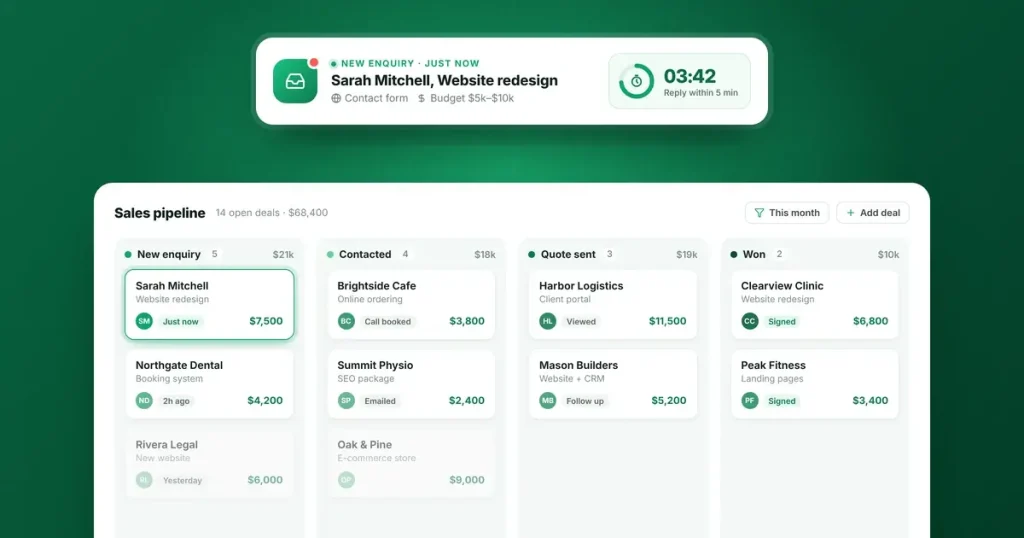
- Bring every enquiry into one place. Website forms, chat and WhatsApp messages should all create a record in your CRM automatically, with the source noted (which page, ad or campaign).
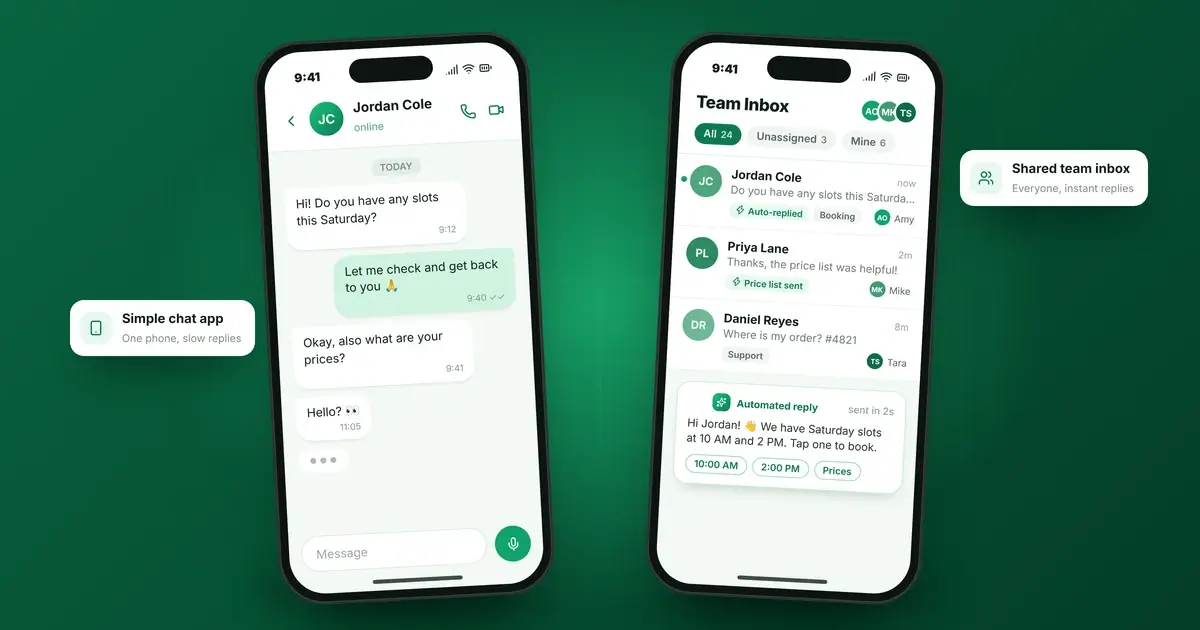
- Send a useful instant reply. Within a minute, confirm you’ve received the enquiry, say when a person will be in touch, and give the customer something useful: a booking link, prices or answers to the most common questions.
- Assign it automatically. Route each enquiry to the right person by service, location or a simple rotation, so ownership is never in doubt.
- Escalate if it’s not picked up. If no one has responded within an agreed time, such as 30 minutes during working hours, send a reminder to the owner and a manager.
- Follow up if the customer goes quiet. Two or three short, helpful messages over the following week recover a surprising number of enquiries.
If you reply on WhatsApp, it’s worth knowing that automated replies through the WhatsApp Business Platform are now charged per message after a monthly allowance. Our guide to WhatsApp Business API pricing explains the costs.
Time zones and weekends
If you serve customers in other countries, some enquiries will always arrive while you’re asleep. An instant reply matters most here.
- Let customers book themselves. A booking link shows available times in the customer’s own time zone, so the next step happens without waiting for you.
- Be specific about timing. “We’ll reply by 10am UK time on Monday” is far better than “We’ll be in touch soon”.
- Answer common questions automatically. A well-trained chat assistant can handle questions about services, prices and process at any hour, and pass complex ones to your team.
- Cover high-value enquiries. If a single project is worth a lot, a simple weekend rota for urgent enquiries can pay for itself.
What to measure each week
A handful of numbers will tell you whether the setup is working.
- Median time to first reply. Use the median rather than the average, because one forgotten enquiry can distort an average.
- Share of enquiries answered by a person within an hour during working hours.
- Share of enquiries with a next step booked, such as a call or appointment.
- Enquiries that were never contacted. This should be zero.
- Conversion by response time. Over a few months, compare how often fast and slow replies turned into customers. Your own data is the most persuasive evidence there is.
If your website and CRM aren’t yet connected, start there. We explain why in Website vs. CRM: Why Growing Businesses Need Both.
Frequently asked questions
What does speed to lead mean?
It’s the time between a potential customer contacting your business and receiving a real response. The shorter it is, the more likely you are to win the work.
What is a good lead response time?
Aim for an instant, useful automatic reply, and a reply from a person within an hour during working hours. For high-value services, within five to fifteen minutes gives you a real advantage.
Does an automatic reply count?
It counts if it helps. A reply that only says “we received your message” reassures people briefly. One that includes a booking link, prices or answers moves the conversation forward.
Do I need a CRM to respond faster?
Not to start. You can improve a lot with clear ownership and instant replies. A CRM makes it reliable as enquiries grow, because every lead is recorded, assigned and tracked.
How do I respond quickly outside business hours?
Use an instant reply with a booking link, give a clear time when a person will respond, and consider a chat assistant for common questions.
Make sure no enquiry waits
We set up lead management, email automation, appointment booking and CRM systems that reply in minutes and make sure every enquiry has an owner. Talk to our team about how your enquiries are handled today.
Sources
- Oldroyd, McElheran and Elkington, “The Short Life of Online Sales Leads”, Harvard Business Review 89(3), 2011. Citation record: BYU ScholarsArchive. Link the article itself on hbr.org.
- MediaPost: Customer Leads Can’t Wait Forever (2011 coverage of the 2,241-company audit)
- CBS News: Online Sales Leads: How Long Are They Hot? (coverage of the earlier Oldroyd research on five-minute response)
- Hennessey Digital: 2025 Lead Form Response Times & Trends and its press release on the previous study of 1,400 law firms